How to Get Your Business on Google Maps (The Complete Guide for Small Businesses)
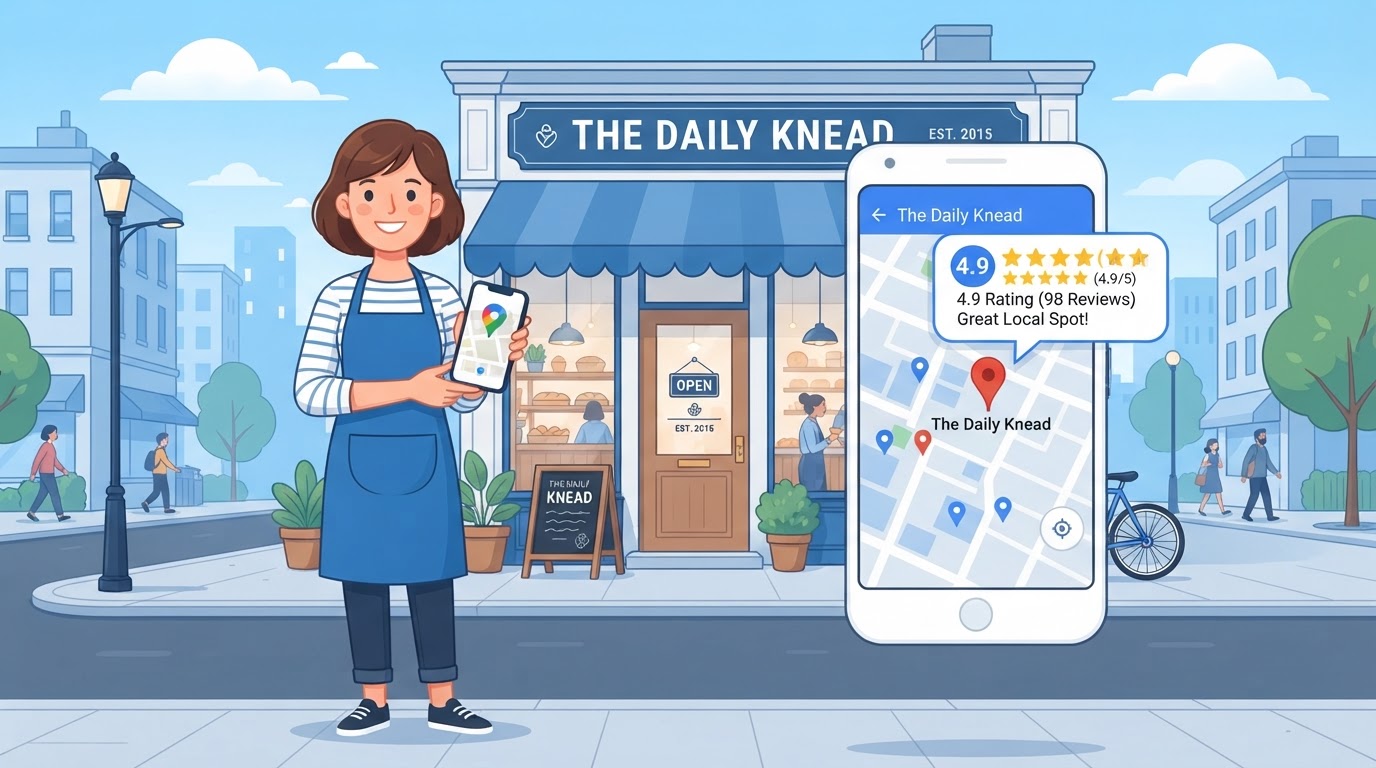

You're not showing up on Google Maps. A customer two miles away searches for exactly what you do, and your competitor three blocks down shows up instead — because their pin is on the map and yours isn't.
This isn't a mystery or a paid feature. Google Maps visibility comes from a free Google Business Profile, and most small businesses either haven't claimed theirs or filled out a quarter of it and stopped. The businesses that dominate the local map pack didn't buy their way in — they did five specific things, consistently, that Google rewards.
Here's the complete guide to getting your business on Google Maps, step by step.
What this post answers:
- The 5 steps to claim, verify, and optimize your Google Business Profile
- Which fields most business owners skip — and why they matter
- How reviews, posts, and NAP consistency move you up the map pack
- Why Michigan small businesses lose the map pack — and how to fix it
Why Google Maps Matters More Than Your Website for Local Searches
Here's something that surprises most business owners: for local searches like "plumber near me" or "HVAC in [city]," your Google Maps listing matters more than your website. The map pack — those three business results with the pins at the top of Google — gets the majority of clicks for local searches. If you're not in it, your website might as well not exist for that traffic.
When someone searches with a local intent, Google's first priority is to show nearby businesses on a map. Your website only enters the picture after a user clicks through from the map pack — and if you're not on the map, that click never happens. A business with a mediocre website and a strong Google Business Profile will consistently outperform a business with a beautiful website and no map presence.
The good news: your Google Business Profile is free, you own it, and the factors that determine your map pack ranking are specific and improvable. You don't need to outspend anyone. You need to out-work them on the five steps below.
For local searches, the map pack gets the clicks. If you're not on the map, your website doesn't matter — no one ever reaches it.
Step 1: Claim and Verify Your Google Business Profile
Your Google Business Profile is the free listing that powers your appearance on Google Maps, the local map pack, and the sidebar in Google search. If you haven't claimed it, Google is either showing an unmanaged, auto-generated listing — or not showing you at all.
Go to google.com/business, sign in with a Google account, and search for your business name. If Google already has a listing for you, claim it. If not, create a new one. You'll enter your business name, category, address, service area, and phone number.
Then comes the step most owners get stuck on: verification. Google needs to confirm you actually operate at the address you listed. The most common method is a postcard mailed to your business address with a 5-digit code — it typically arrives in 5 to 14 days. Some businesses qualify for phone, email, or instant video verification instead. Once verified, you have full control of the listing.
Verification is the gate. An unverified profile is a profile you can't manage — which means you can't fix errors, respond to reviews, or post updates. Get verified first.
Step 2: Fill Out Every Single Field (Most People Skip These)
Most business owners fill out 40% of their profile and consider it done. Google considers an incomplete profile a weaker signal than a complete one — and in a competitive local market, that gap is the difference between showing up and being invisible.
Fill in every field, especially these commonly-skipped ones: secondary categories (not just your primary one), service areas (the cities you serve beyond your address), a full service list, business hours for every day, a keyword-rich description that names what you do and where, and at least 10 photos — exterior, interior, team, work samples, and your logo.
Your primary category is the single most important field. Google uses it to decide which searches to show you in. A plumber who selects "Plumber" as their primary category will appear in far more relevant searches than one who selects "Contractor." Be specific, not broad.
Your primary category is the single most important field on your entire profile. Get it specific — "Plumber" beats "Contractor" every time.
Step 3: Get Real Reviews, Consistently
Reviews are the second-strongest signal Google uses for local ranking, after relevance. But it's not just the total count — Google weighs review recency (how recent your latest reviews are) and review velocity (how fast you're accumulating new ones). A business with 40 reviews, five from the last month, signals an active, trusted business. A business with 60 reviews, the most recent from two years ago, signals a business that may have closed or stopped caring.
The fix is a system, not a one-time push. Text every happy customer a direct review link within 24 hours of completing their job — while the positive experience is fresh. Make it a habit, not a campaign. Five new reviews a month, every month, compounds into a profile that steadily outpaces competitors who asked once and stopped.
Respond to every review, positive and negative. Google sees review responses as a signal of an active, engaged business. A thoughtful response to a negative review often matters more to a future reader than the review itself.
Review recency and velocity matter more than your total count. A business with 40 recent reviews outranks one with 60 stale reviews. Consistency is the competitive advantage.
Step 4: Post to Your GBP Like a Social Media Account
Most business owners don't know that Google Business Profile has a posts feature — and it's one of the most underused tools in local SEO. Posts are short updates that appear directly on your profile and in local search results: promotions, new services, events, photos, and announcements.
Google treats regular posting as a signal that your business is active and engaged. A profile with a fresh post every week tells Google this is a living, operating business — not a listing that was set up once and forgotten. Posts also give you a way to surface time-sensitive offers ("$50 off your first service this month") directly in search results.
You don't need to write essays. A photo, a one-line offer, and a button is a post. The goal is consistency — one post a week keeps your profile active and signals freshness to Google's local algorithm.
A profile with a fresh post every week signals an active business. Most of your competitors never post — which makes this one of the easiest ways to stand out.
Step 5: Keep Your NAP Consistent Everywhere
NAP stands for Name, Address, and Phone number — and it needs to be identical everywhere your business appears online. Google, Yelp, Apple Maps, Bing, Facebook, your website, the Chamber of Commerce, industry directories. Every single one.
Why it matters: Google cross-references your business information across the web to confirm you're real and established. If you're listed as "Smith Plumbing LLC" on Google but "Smith Plumbing" on Yelp and "Smith Plbg" on a directory, Google sees conflicting signals and loses confidence in your listing. Inconsistent NAP is one of the most common reasons a business underperforms in local search despite doing everything else right.
Audit your NAP across every major directory, fix every inconsistency, and make sure new listings match exactly going forward. Your business name, street address, and phone number should be character-for-character identical on every platform. This is tedious — but it's a fix that compounds for years.
Inconsistent business name, address, or phone number across the web is one of the most common — and most fixable — reasons businesses underperform in local search.
Why Michigan Small Businesses Lose the Map Pack (And How to Fix It)
Most Michigan small businesses don't lose the map pack because they have a bad product. They lose it because they treat their Google Business Profile as a one-time setup instead of an ongoing asset. The profile gets claimed, partially filled out, and then ignored for two years — while a competitor posts weekly, responds to every review, and accumulates fresh reviews every month.
In competitive Michigan markets, the difference is stark. A contractor in Kentwood who posts a weekly update and generates five reviews a month will steadily climb past a competitor in Grand Rapids who claimed their profile in 2021 and hasn't touched it since. The map pack isn't won by the oldest or biggest business — it's won by the one sending the most consistent signals of activity and relevance.
The most common Michigan-specific problem is NAP inconsistency. A business moves, changes a phone number, or uses a slightly different name on Yelp than on Google — and Google's confidence in the listing drops. In a market where 31 agencies and dozens of service businesses compete for the same Grand Rapids searches, that small inconsistency is enough to push you out of the top three.
If you want to know exactly where your Google Business Profile stands and what's keeping you out of the map pack, a local search optimization audit will show you which of the five steps above your profile is failing — and what it'll take to fix it. Or if you'd rather just get a direct assessment, get a free growth audit and we'll review your profile against your top local competitor.
The map pack isn't won by the business that's been around longest. It's won by the one that sends consistent signals of activity — every week, every month, without stopping.
Frequently Asked Questions
How do I get my business on Google Maps?
Go to google.com/business, sign in with a Google account, and either claim your existing listing (if Google already shows your business) or create a new one. Fill out every field — business name, category, address, hours, phone, website, services, and photos — then verify by mail, phone, or video. Verification is what unlocks your ability to manage the listing and appear in the map pack.
Is a Google Business Profile free?
Yes. Your Google Business Profile — the listing that appears on Google Maps and in local search results — is completely free. Google does not charge to claim, verify, or manage it. You only pay if you choose to run Google Ads separately, which is different from your free organic map listing.
How long does it take to get verified on Google Maps?
It depends on the verification method. Video verification can be instant. Phone or email verification may take minutes. The most common method — a postcard mailed to your business address — typically takes 5 to 14 days to arrive. Once you enter the code on the postcard, verification is immediate.
Why is my business not showing up on Google Maps?
The most common reasons are: you haven't claimed or verified your profile, your profile is incomplete (missing category, hours, or photos), your business name or address is inconsistent with what appears on other websites, or you don't have enough reviews. A verified, complete profile with recent reviews and regular posts is what Google rewards with map pack visibility.
How many reviews do I need to show up on Google Maps?
There is no fixed number — Google uses review quantity, recency, and velocity as signals rather than a single threshold. Most businesses that consistently rank in the local map pack have at least 20 to 50 reviews, with several new ones each month. The businesses that win are the ones with a system that generates reviews steadily, not the ones who asked once and stopped.
Can I manage my Google Business Profile myself or do I need help?
You can absolutely manage it yourself — the tools are free and Google's interface is designed for business owners. Many owners choose to have it professionally managed because keeping a profile optimized (regular posts, review responses, photo updates, performance monitoring) takes consistent time. Whether you do it yourself or hire help, the key is consistency.
Get on the Map. Get the Calls.
Your competitors are showing up on Google Maps right now and getting the calls that should be yours. Get a free growth audit and we'll show you exactly what's keeping your business off the map — and the steps to fix it.
Get Your Free Growth Audit